Planning a bridal website: collections, appointments and a redesign
A bridal website needs to connect the dresses a visitor wants to explore with the appointment your boutique can provide. Start with a collection inventory and appointment rules, then decide whether you need a curated gallery, individual dress pages or a larger catalogue. A redesign also needs a plan for existing links, email and booking accounts.
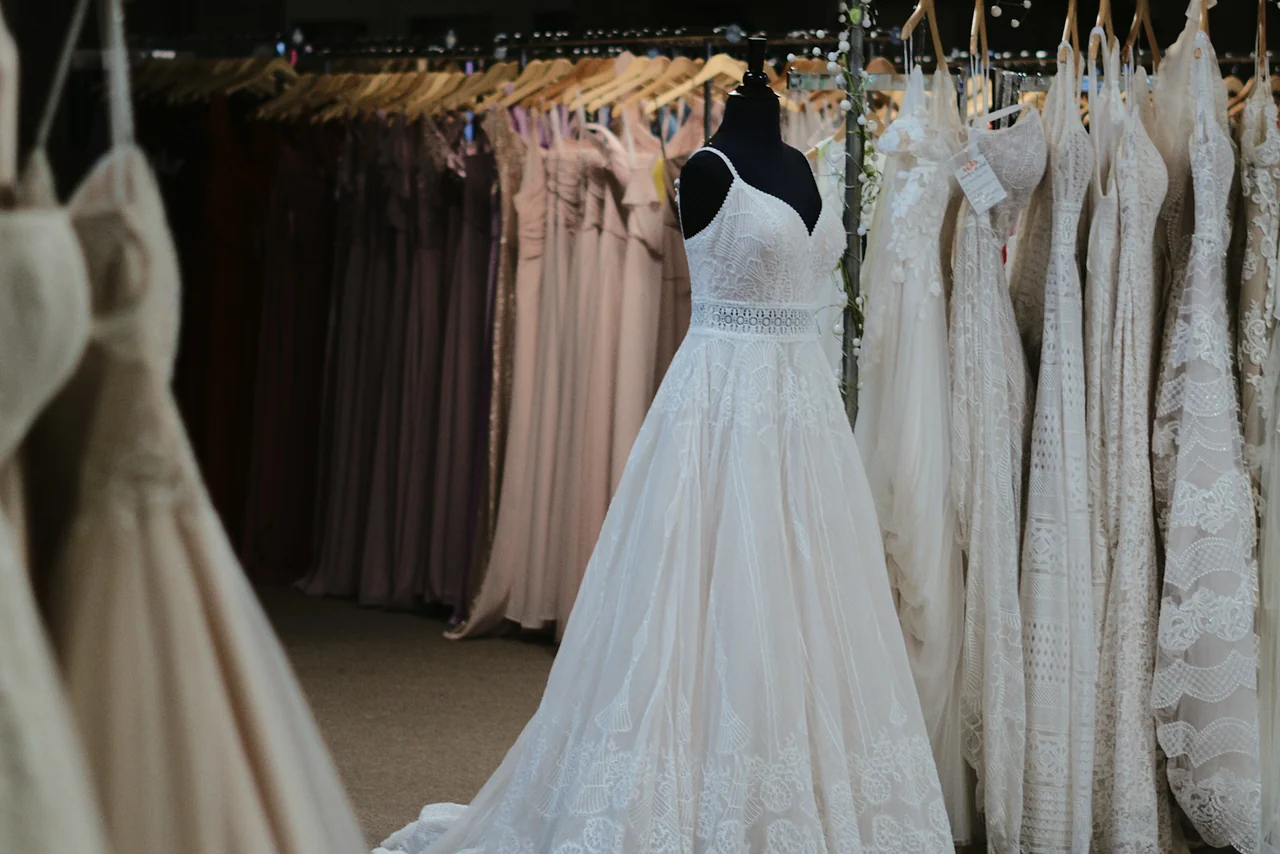
Choose how much collection detail you need
A collection page can introduce several designers and show a selected range of authorised photographs. This suits a boutique that wants visitors to understand its style before arranging a visit. It requires less ongoing editing than a catalogue in which every dress has a separate page.
Individual dress pages can answer more specific questions: the designer and style, available sample information, whether an appointment is needed and which accessories are shown. A catalogue can add filtering, but someone must keep its information current. Decide who owns that task before commissioning it. A dress pictured on the website is not automatically a promise that the sample is available today.
- Record the designer, collection and style reference for each approved image.
- Separate current samples, made-to-order ranges, inspiration and any ready-to-buy stock.
- Confirm which size and ordering details you can publish accurately.
- Identify who updates the website when a range changes.
Give each appointment a clear purpose
A first bridal appointment, a return visit and an accessories appointment may use different amounts of time or different members of the team. Describe those differences in everyday language. A visitor should understand the next step before entering their details.
Prepare your actual appointment durations, guest arrangements, fees if any, accessibility information and contact route for special requirements. Avoid asking for unnecessary personal detail in a general enquiry. A preferred date becomes a reservation only when the boutique or its connected booking system confirms it.
If you already use a booking provider, keep that diary as the source of availability unless a replacement is part of the agreed project. Test the journey from a collection page into the correct appointment type, including the confirmation and return route. Do not assume that a new website also moves existing appointments.
Prepare a collection-to-appointment brief
Use one row per collection in the planning table below. Add the page that introduces it, the approved material available and the appointment it should lead to. This exposes missing information before design begins and gives each page a purpose.
For example, an illustrative boutique brief might say: show our current designer collections, explain first appointments and take visitors to our existing diary. That describes a customer journey. It does not require a stock system unless the boutique also wants to sell or manage individual items through the website.
Confirm permission to use supplier photographs and client images. A named customer story needs approval for the wording, attribution and photographs. A design preview can explain a proposed layout, but it cannot establish a completed launch, sales increase or customer endorsement.
Keep useful pages and connections during a redesign
List your existing collection pages, appointment links and useful guides before rebuilding. Record which pages will remain, which will be replaced and the appropriate destination for each changed URL. Redirect an old dress or collection page to a relevant replacement when one exists; sending every old address to the homepage loses useful context.
Keep a separate record of the domain account, website hosting, email provider and booking provider. They can be connected without being the same service. Agree who checks access, exports any needed content and tests the change. Do not cancel the old setup before the replacement and its dependencies have been reviewed.
After launch, inspect the changed pages and their canonical addresses, confirm the sitemap, test old links and monitor search-engine reports when available. Search positions can change after a move. No migration checklist guarantees that every page will be indexed or retain its ranking.
Agree the scope and the evidence for approval
A curated collections page and an appointment enquiry may fit a small business website. A searchable catalogue, individual dress records, deposits, stock management or a large migration changes the work. Confirm the page count, editing process, integration, price and ongoing responsibilities before approval.
Webora’s £400 package covers six to seven agreed pages and the functions in the written scope. Larger catalogues and additional integrations need a separate discussion. Our bridal portfolio walkthroughs let you inspect design ideas; they are not claims of completed client revenue or ranking results.
At review, ask someone unfamiliar with the design to find a collection, understand an appointment and reach the intended contact or booking destination on a phone. Keep a note of confusing steps and fix those before adding more features. After launch, assess genuine qualified appointment enquiries separately from page visits and button clicks.
Keep this comparison handy
| Page or journey | Material to prepare | Decision to confirm |
|---|---|---|
| Designer or collection | Approved names, descriptions and authorised photographs | Curated selection or individual dress pages? |
| Dress detail | Style reference and accurate sample information | Who updates availability and retired styles? |
| Appointment | Purpose, duration, guest information and actual fees | An enquiry or a confirmed slot in the existing diary? |
| Visit | Real address, opening arrangements and access information | What does a first-time visitor need before travelling? |
| Redesign | Existing URLs, domain, email and booking dependencies | Which destinations and services must keep working? |